
01 / 03
A place for every conversation
Keep announcements, class discussions, and shared resources together in organized rooms.

Loading KaSkwela...
A better way to learn together
A welcoming home for your classroom. Share ideas, stay in the loop, and show up for live lessons—all in one place.
Made for teachers and students alike
Why KaSkwela
Less jumping between tabs. More room for questions, conversations, and those lightbulb moments.
Keep announcements, class discussions, and shared resources together in organized rooms.
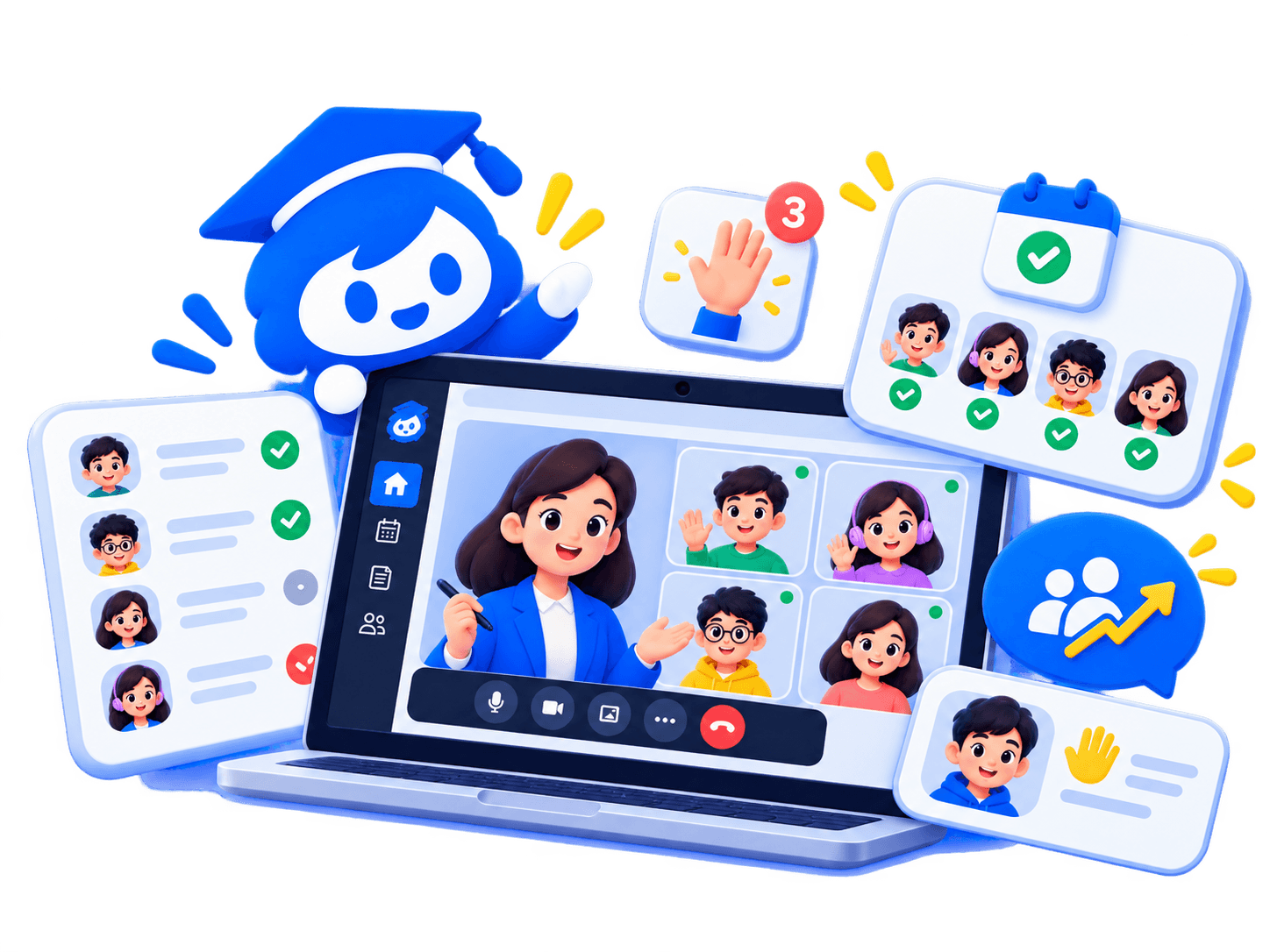
Bring your class together for live lessons with a focused space for teachers and students.
Coming soon: review live-session participation based on time spent connected, not just a check-in.
The classroom experience
From the first announcement to the last question, keep the whole learning journey connected. Teachers lead with clarity, and students always know where to go next.

Simple from the start
Getting everyone together shouldn’t be the hard part.
Once approved, teachers can create a classroom with rooms for updates, resources, and discussion.
Share a class invite link or code. Students join the right classroom in a few simple steps.
Post updates, talk through ideas, and meet in a live class from the same place.
For the whole classroom
Build your classroom, share what matters, and keep your students in the conversation.
Find your people, follow along, ask questions, and join class from wherever you are.
Good to know
The little things you might want to know before you get started.
Sign up as a teacher and complete teacher verification. Once your account is approved, you can create a classroom and invite your students.
Your teacher will share an invite link or code. Create a student account or sign in, open the invite, and join the classroom.
Yes. KaSkwela is designed for mobile browsers and students can join classrooms, read updates, chat, and participate in live lessons on their phones.
Attendance uses live-class connection events to calculate how long each student attended. Teachers can review and adjust the result after class ends. Simply opening a classroom does not mark a student present.
Teachers can share their screen or open a temporary whiteboard inside a live class. They can let students draw too or make the board read-only.
Ready when you are
Start a classroom, join your classmates, and make every lesson feel a little closer.
Get started